
 // app · free · web app · 2026
Collage Studio
A free photo collage maker that runs in your browser. No sign-up, and your photos stay on your device.
Free
No plans and no watermark.
No sign-up
Open it and start.
Private
Your photos stay on your device.
Phone and computer
Installs like an app and works offline.
What it does
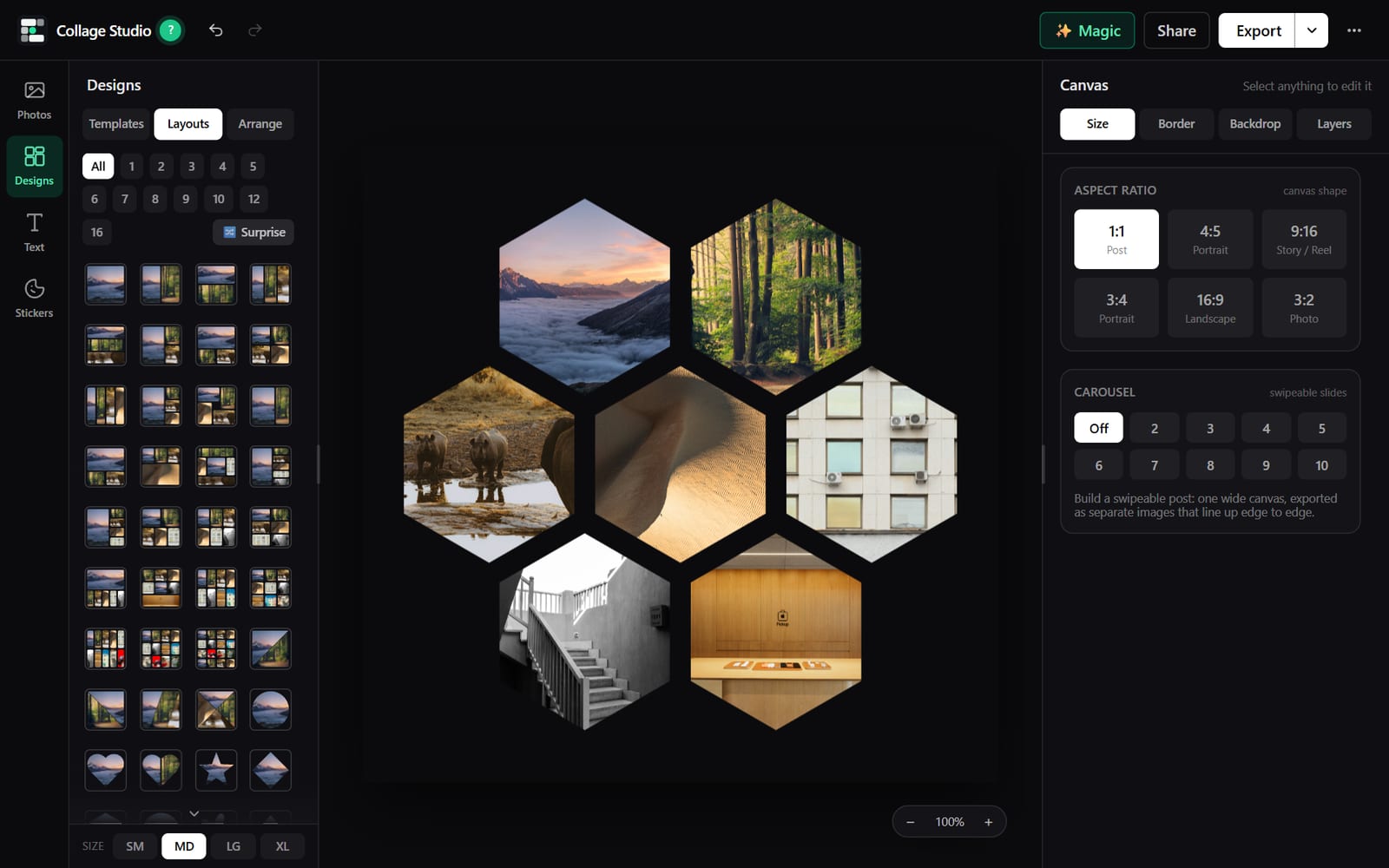 // 01
// 01Layouts for any number of photos
Grids from one to sixteen photos, plus circles, hearts, stars, hexagons and diagonal splits. Say how many photos you have and see what fits.
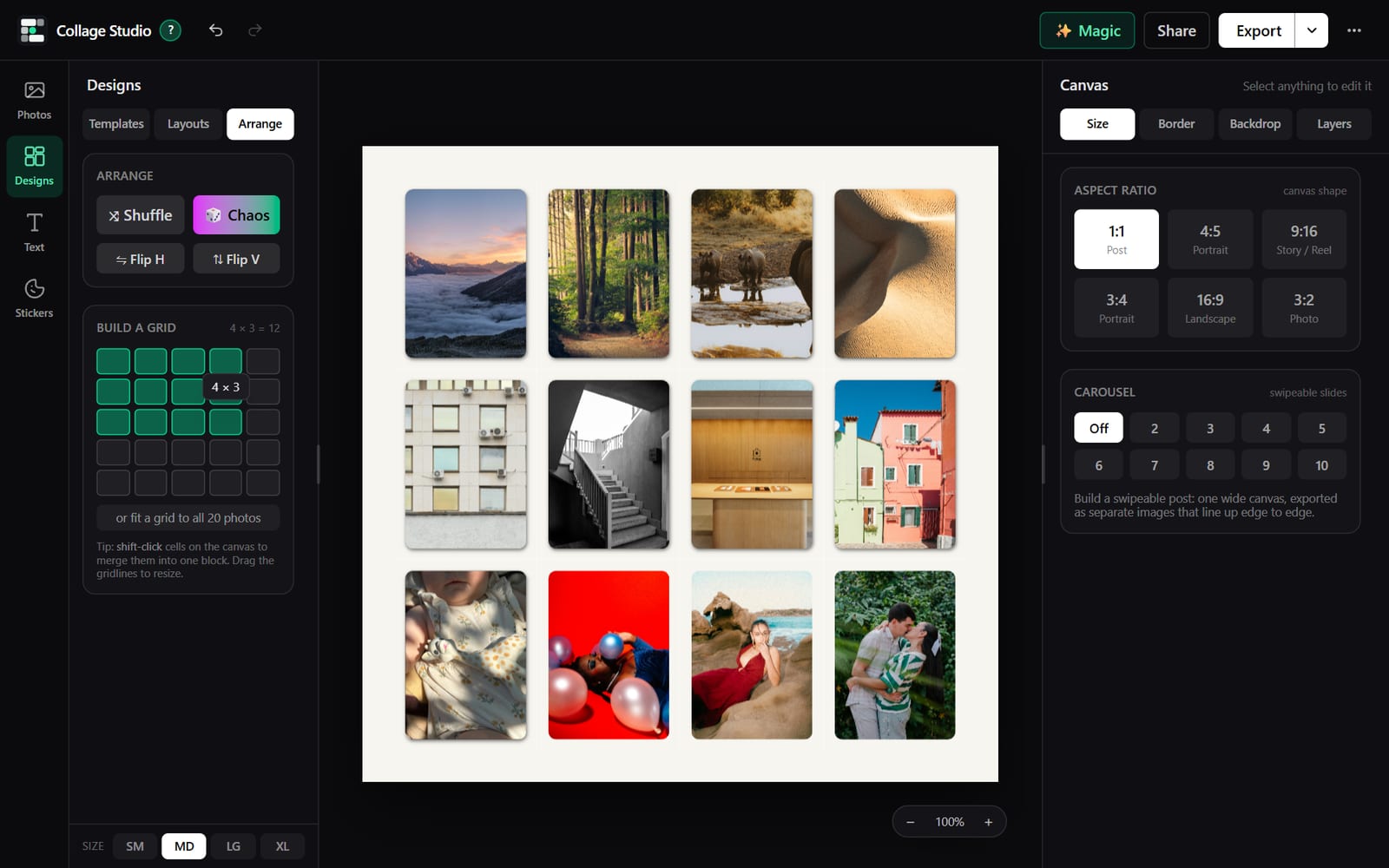 // 02
// 02Build your own grid
Pick the rows and columns. Merge cells into bigger blocks. Drag the lines between them to resize.
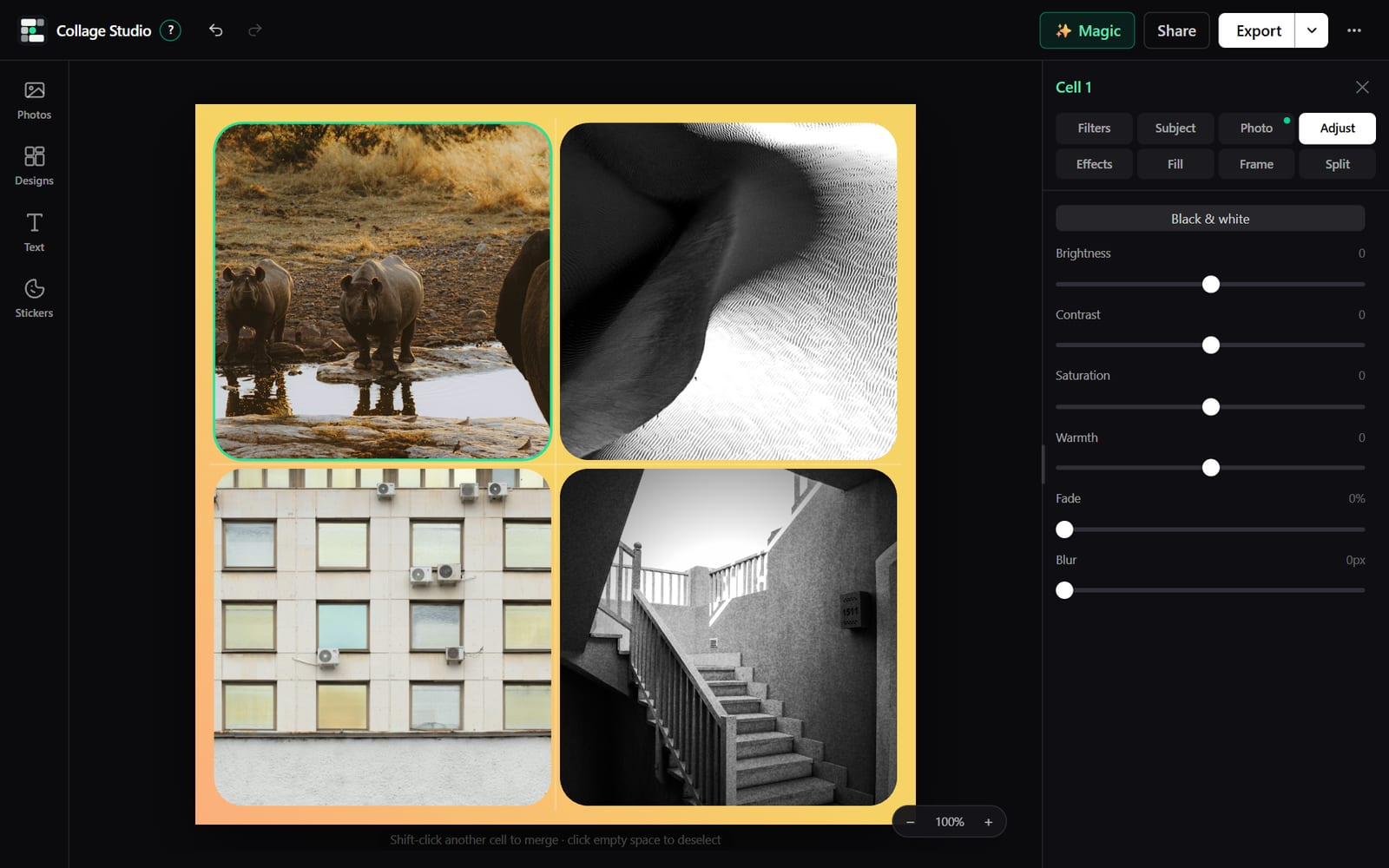 // 03
// 03Edit each photo on its own
Zoom, move, rotate and straighten. Filters, tint, vignette and grain. Every cell keeps its own settings.
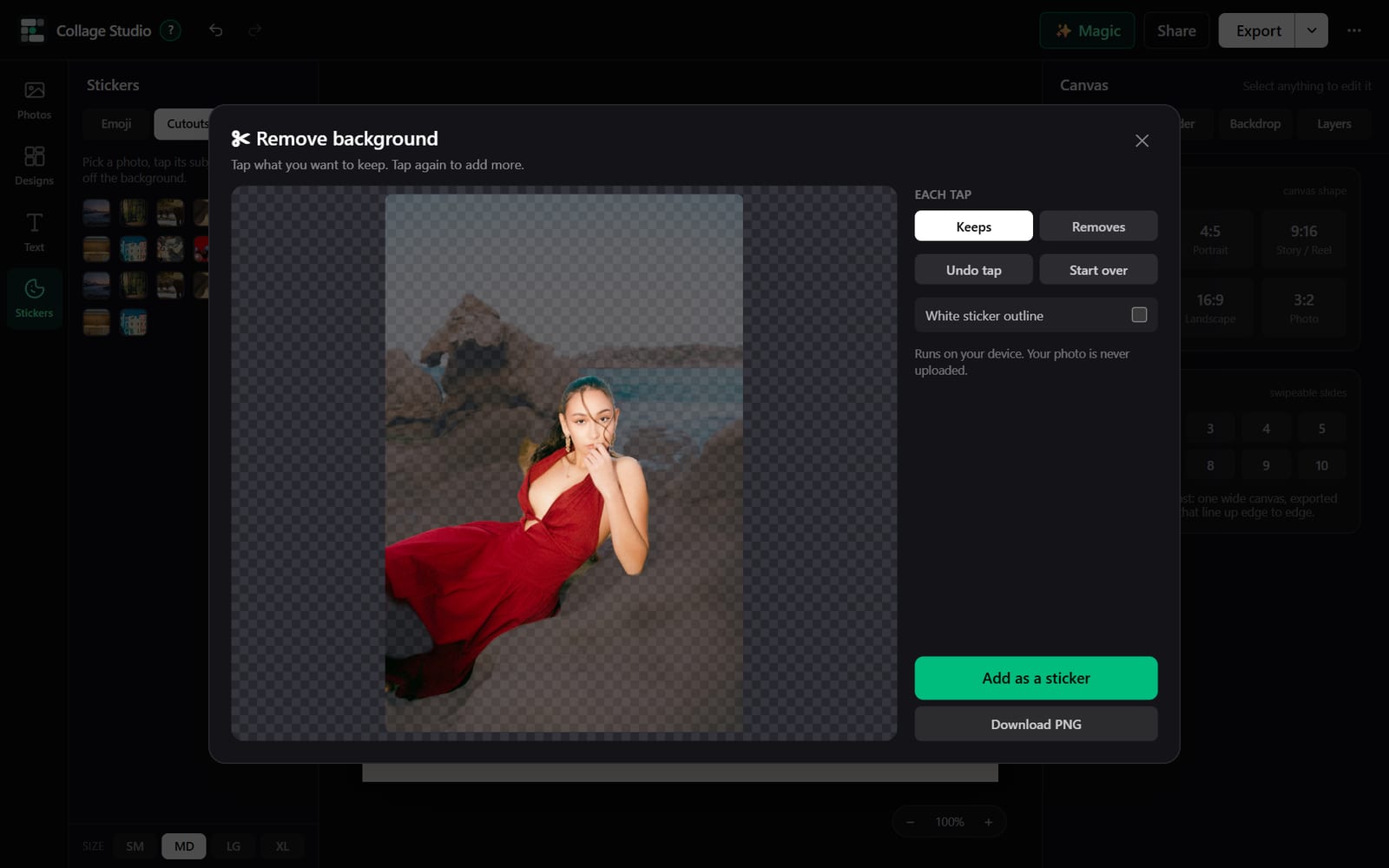 // 04
// 04Cutouts
Tap a subject and it lifts off its background. Keep it where it is, or float it over the collage as a sticker.
 // 05
// 05Subject effects
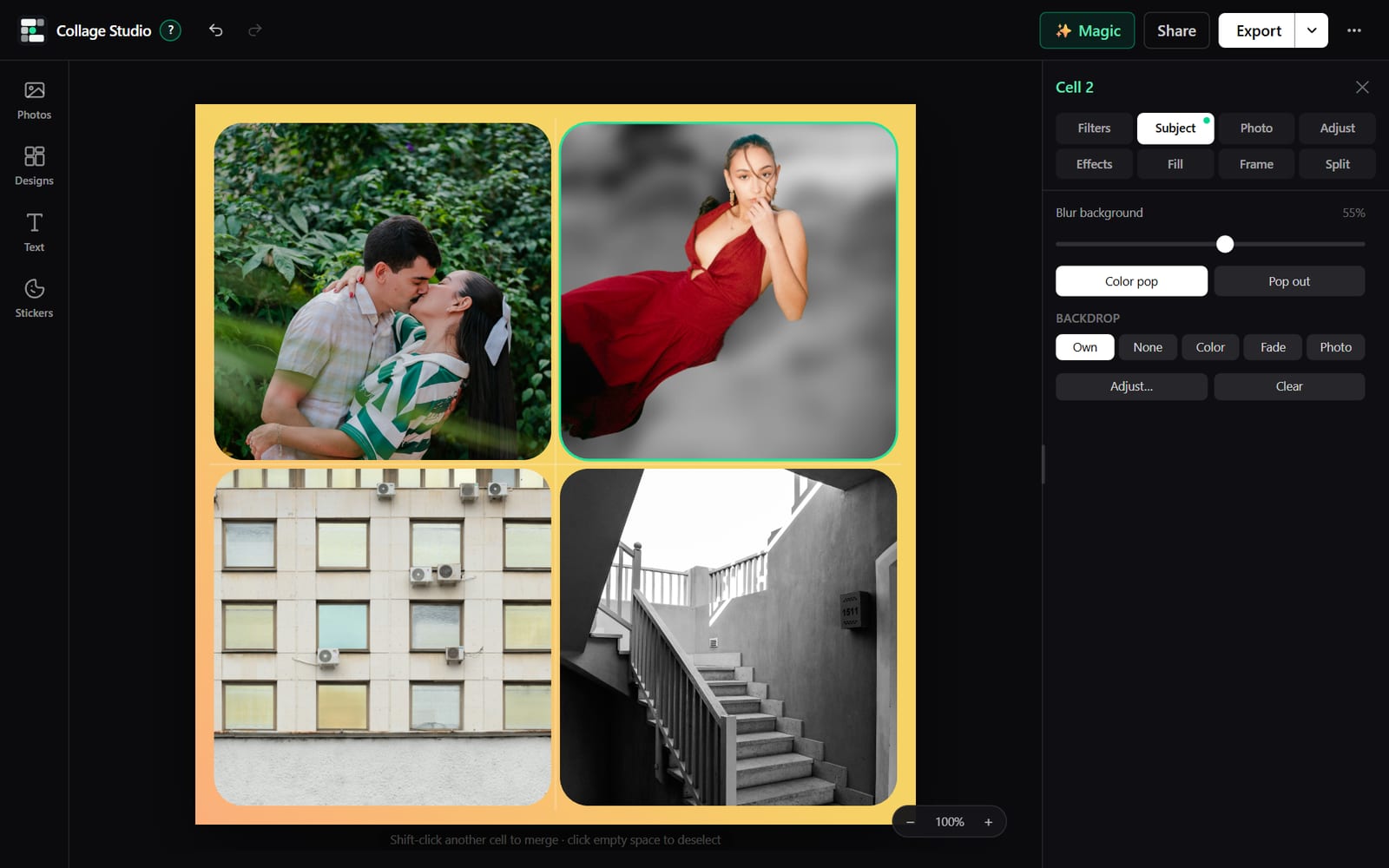
Blur the background, keep only the subject in color, swap the backdrop, or put a title behind the person in the photo.
 // 06
// 06Text and stickers
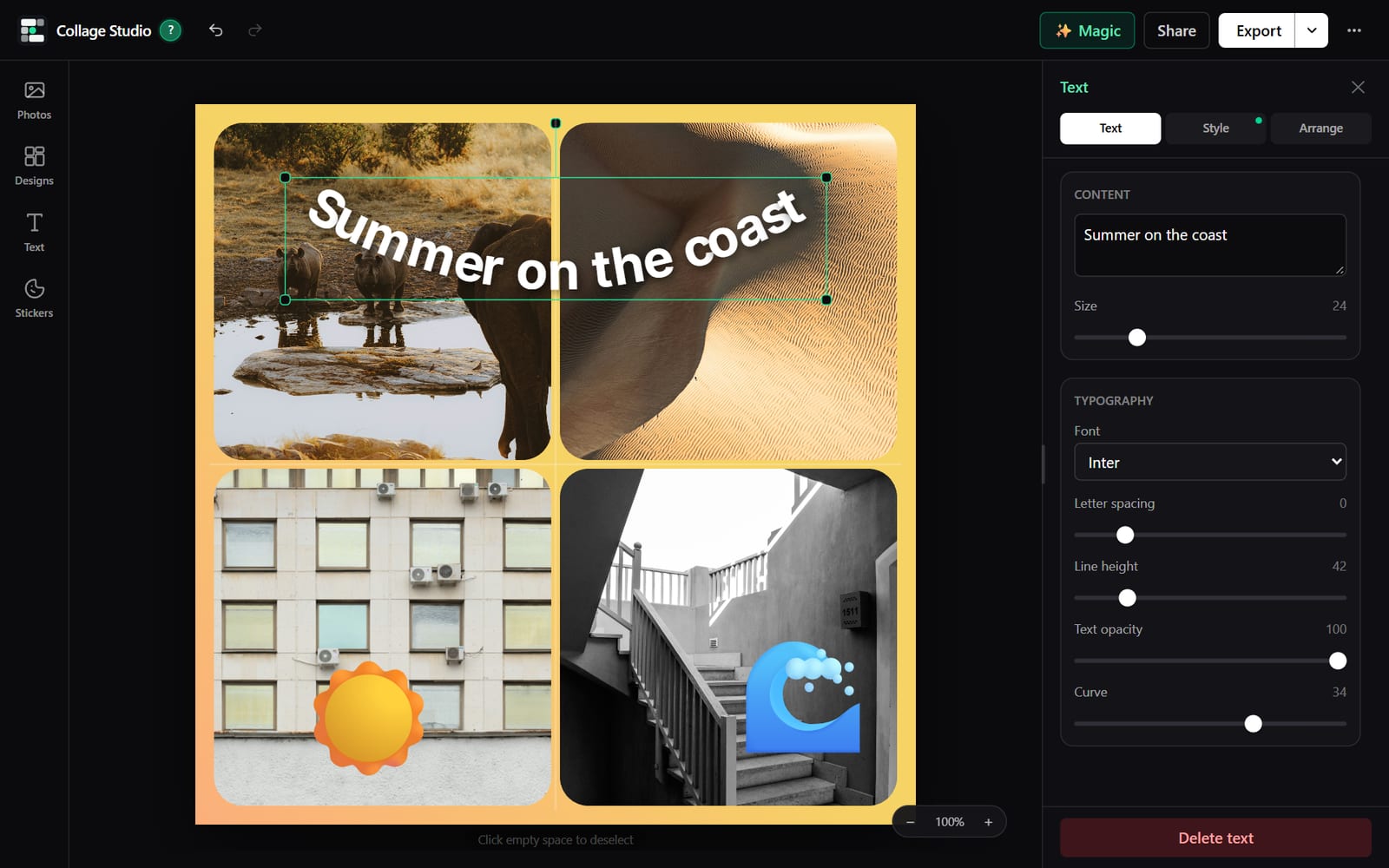
Twelve typefaces with curve, outline, shadow and glow. Stickers by category. Pin either one to a photo so it moves with it.
 // 07
// 07Magic designs
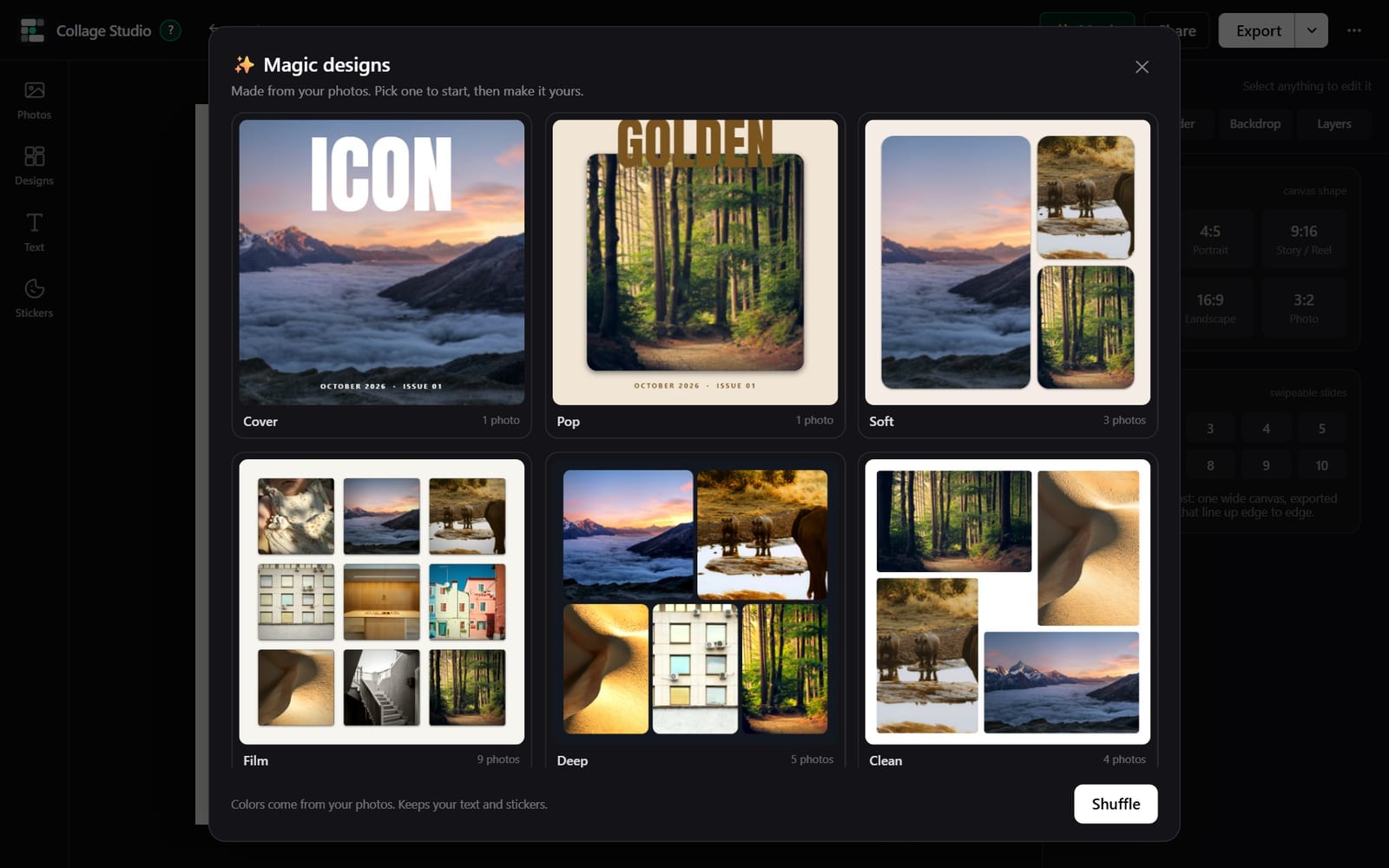
Six finished collages composed from your photos in one click. Shuffle for six more.
 // 08
// 08One-click starts
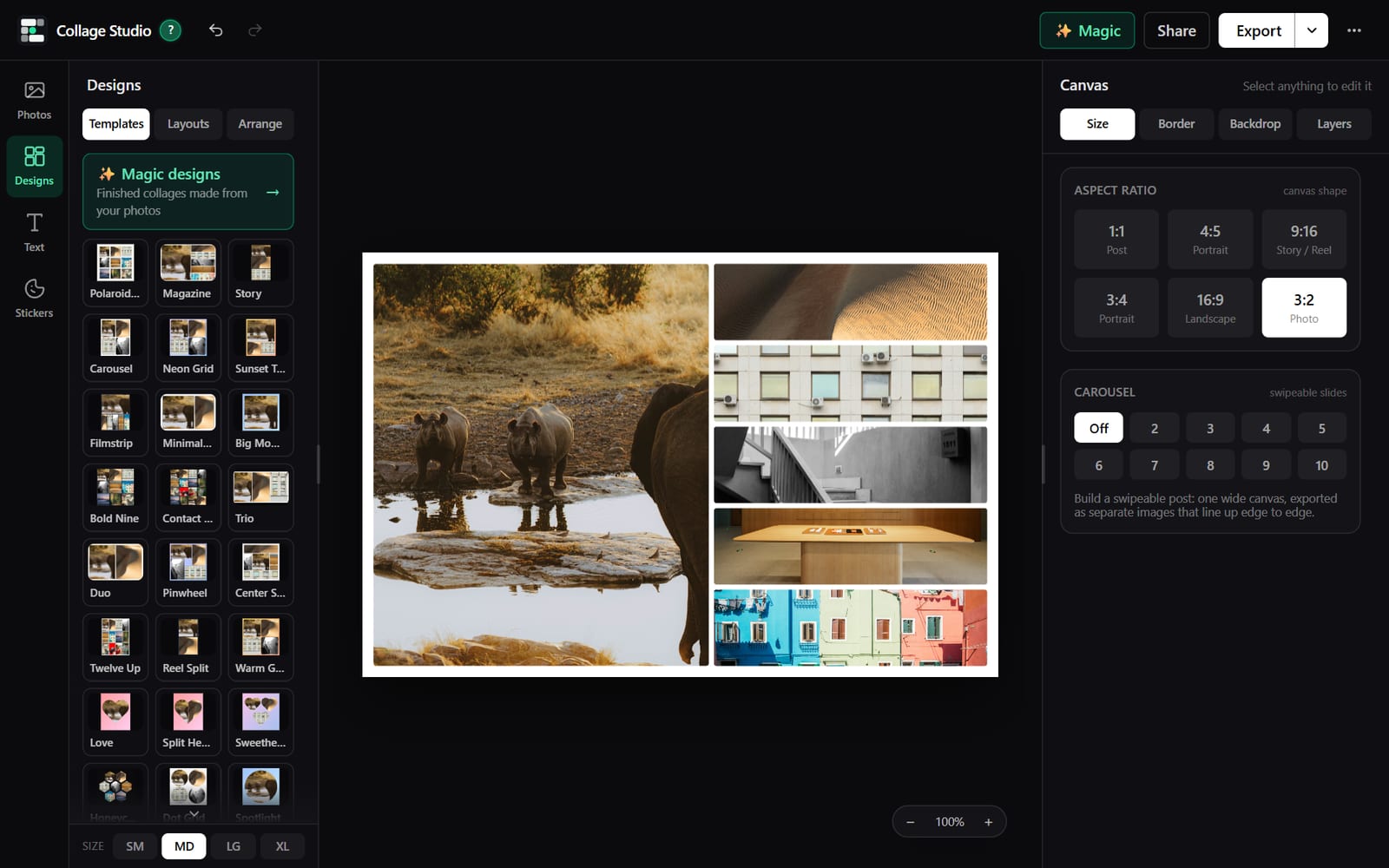
Polaroid wall, magazine, story, honeycomb and more. Each sets the layout, border and background at once.
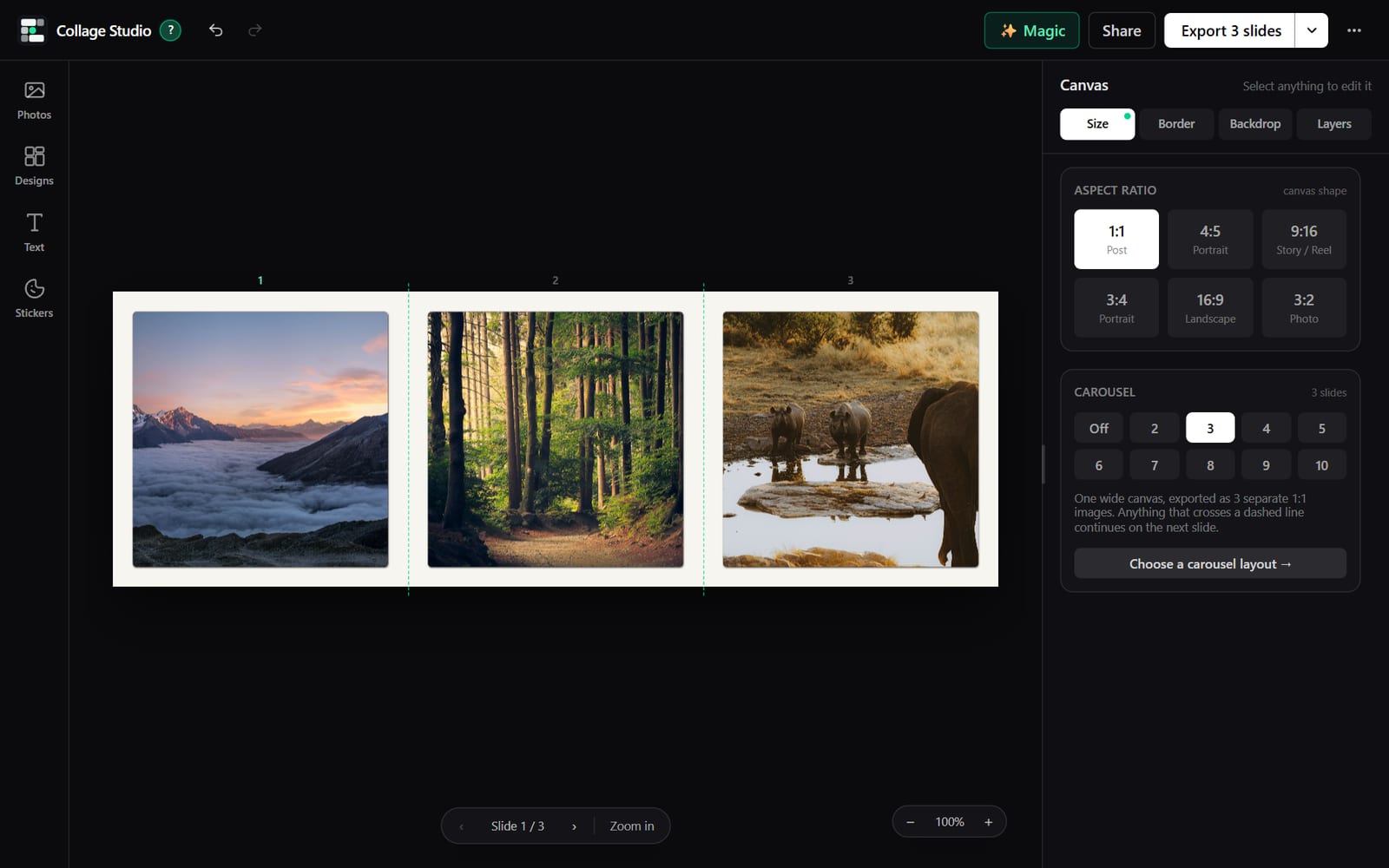 // 09
// 09Carousels
One wide canvas, exported as two to ten slides that line up edge to edge when someone swipes.
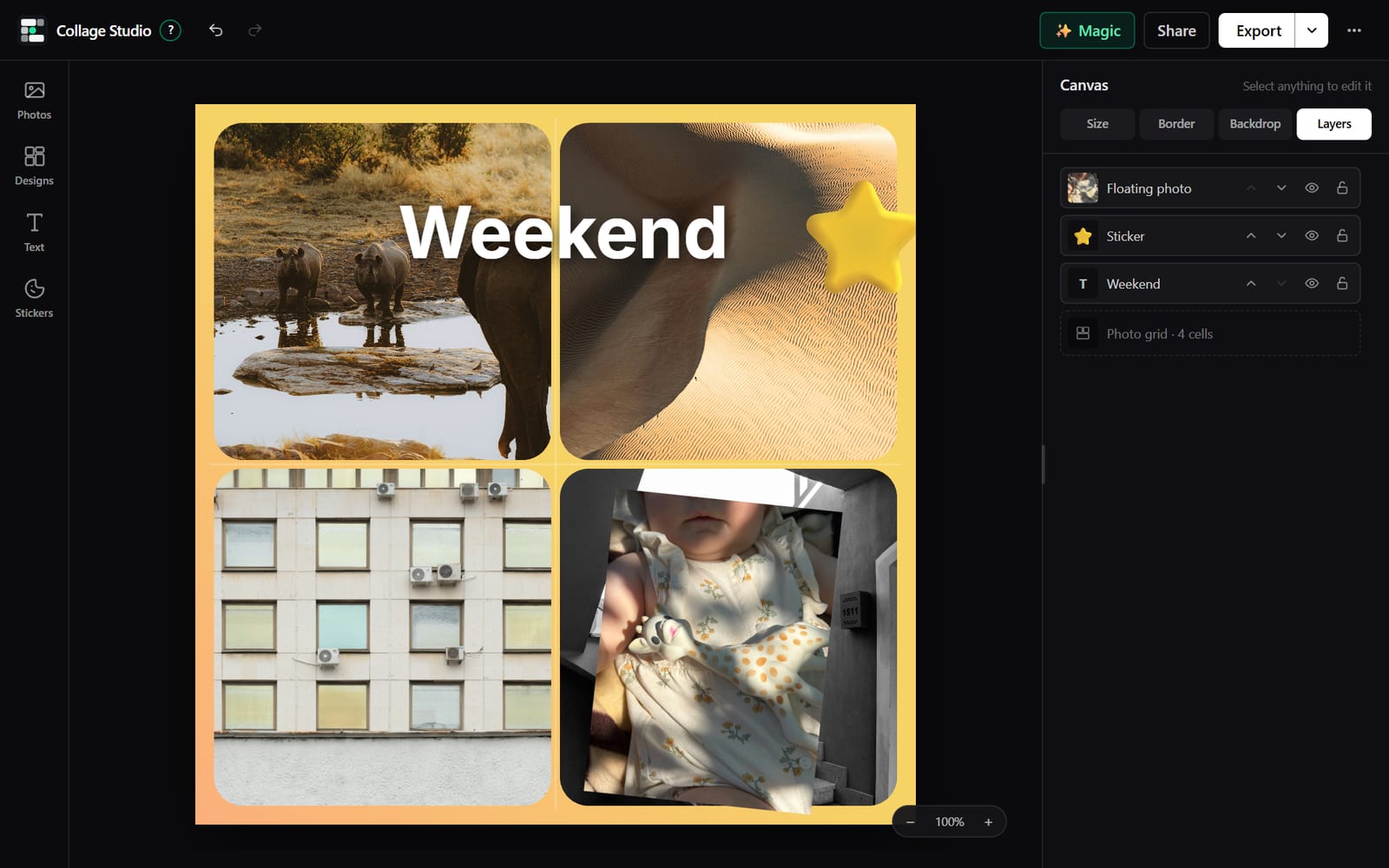 // 10
// 10Layers
Text, stickers, cutouts and floating photos share one stack. Bring forward, send back, lock or hide.
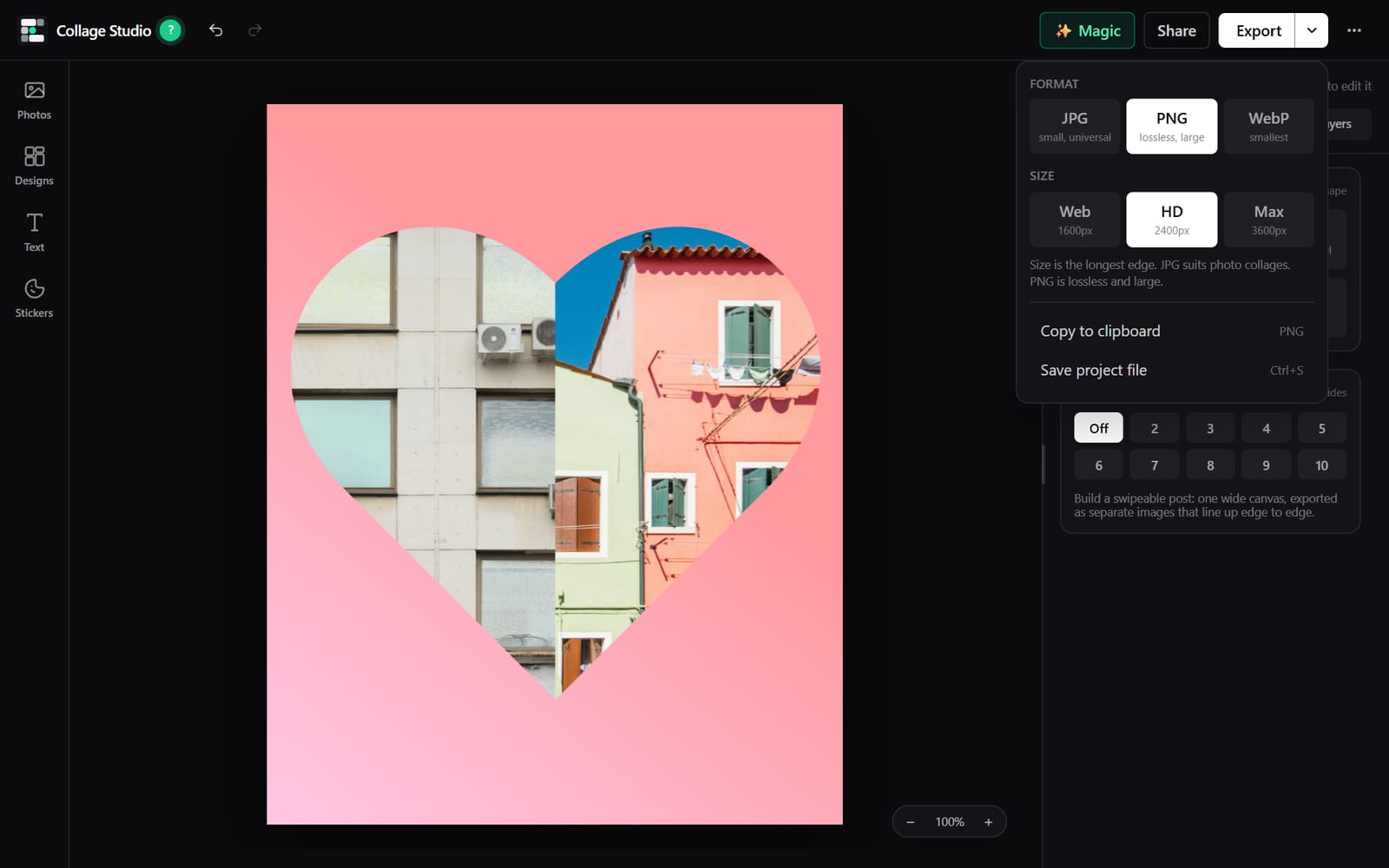 // 11
// 11Full size export
JPG, PNG or WebP at full resolution, or copy straight to the clipboard. The standard social sizes are one click each.
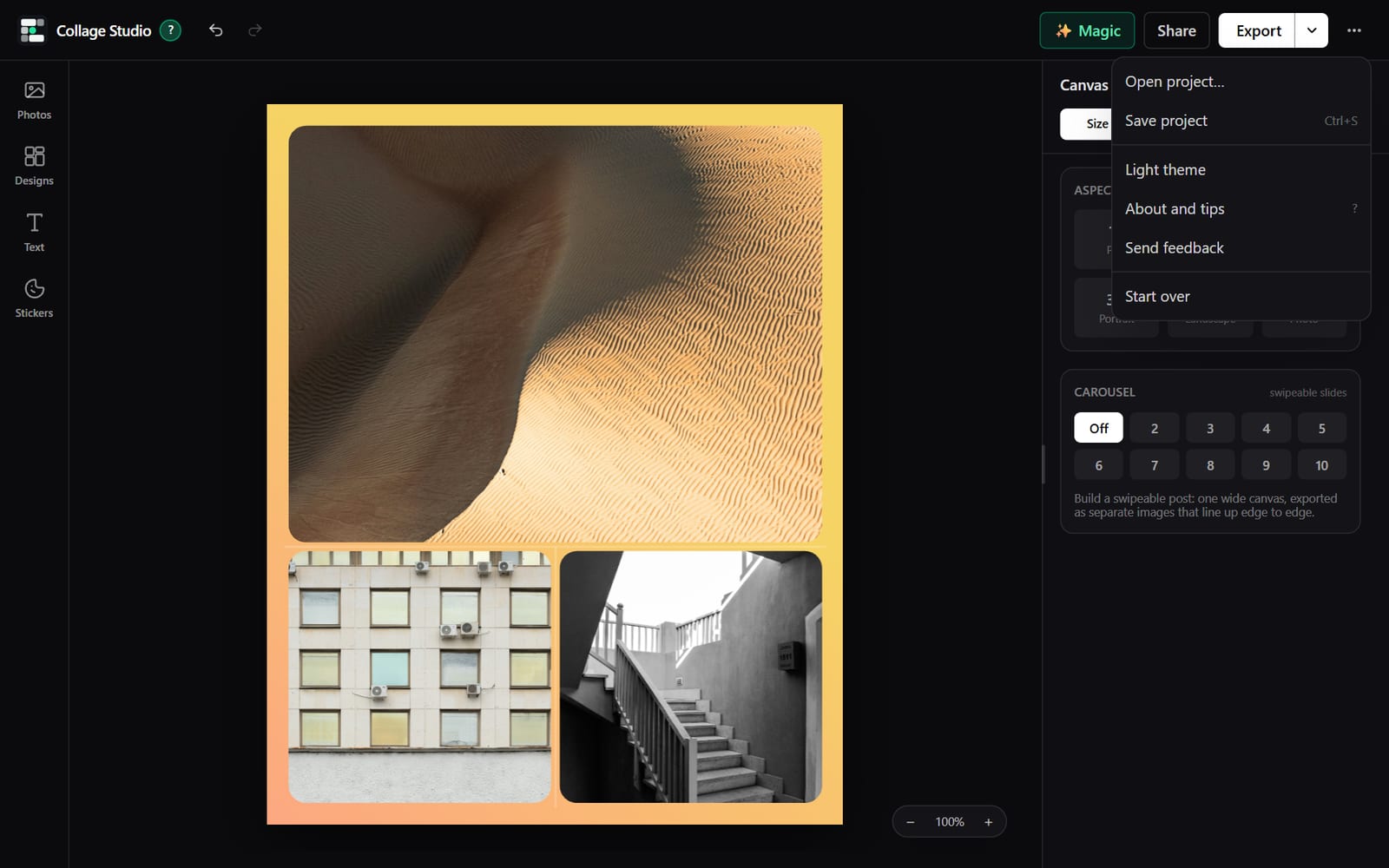 // 12
// 12Save and come back
Work saves in the browser as you go. Save a project file and open it on another computer with the photos inside.
What it is
Many collage makers want an account, put a watermark on the picture, or shrink it on the way out. I wanted one that did none of that.
Collage Studio opens in a browser tab and you start right away. Add photos, pick a layout, drag each photo where you want it, and export at full size. It works on a computer and on a phone.
It is for anyone who needs a good looking picture made of several pictures: a shop posting the week’s specials, a family printing a wall of photos, a gym showing before and after.